The Problem with Simple Hard Cuts
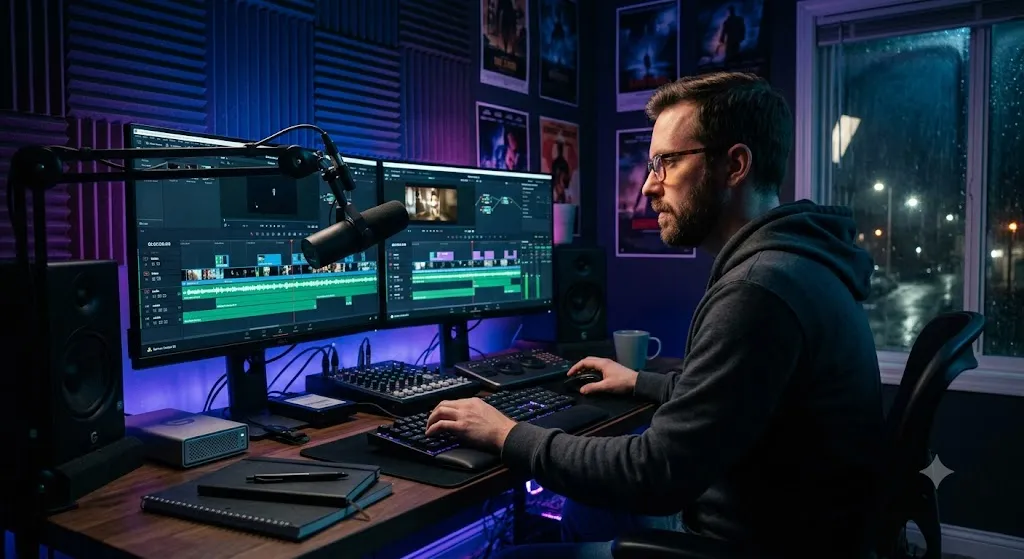
The goal of invisible editing is to guide the viewer's attention so seamlessly that they are completely unaware of the hundreds of cuts happening in front of them. They are simply experiencing the story. The J-Cut and L-Cut are your two most powerful tools for achieving this invisibility.
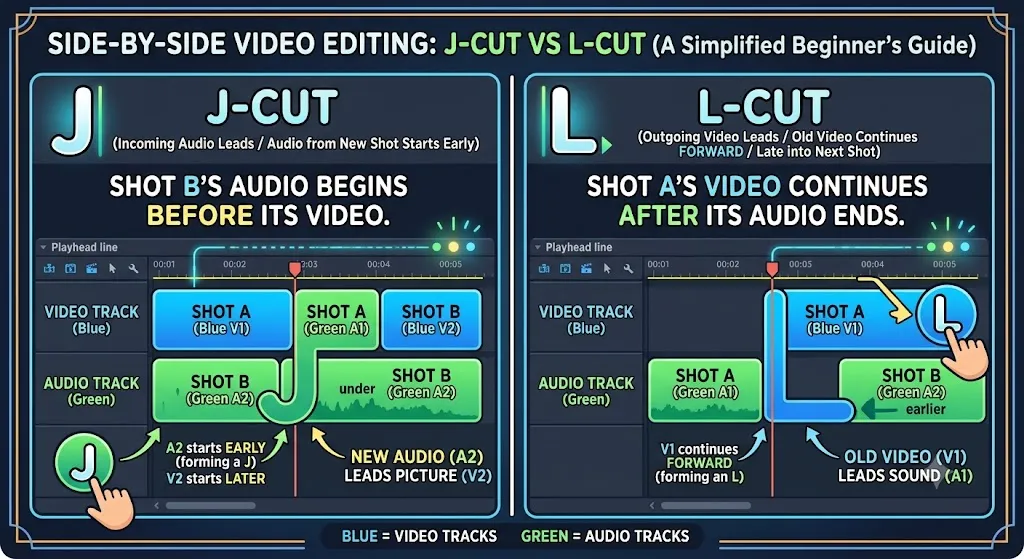
These techniques are called "split edits" because the audio and video components of a single clip are split apart and cut at different points on the timeline. The "J" and "L" names come from the shape the clips make on a traditional audio/video timeline when you look at them from above.
The Problem with a Hard Cut Across Scenes
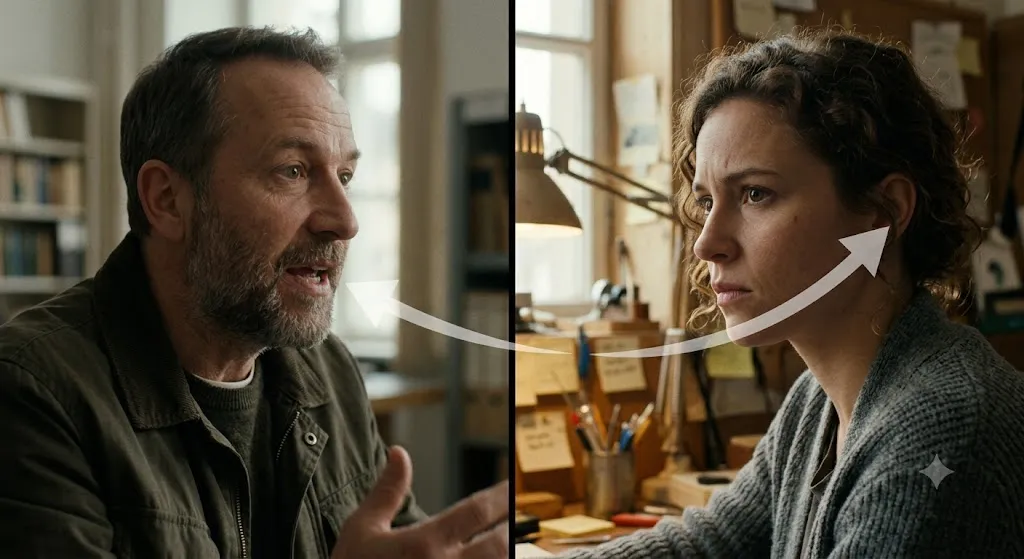
Imagine a scene where two people are having a conversation in a kitchen. Person A finishes speaking. Your hard cut to Person B shows Person B's face at the exact same moment Person B begins to speak. The audience experiences a jarring "jump" — visually, they teleport from one angle to another instantaneously, with the audio switching at the same frame.
This works fine for action sequences or montages where abruptness is intentional. For conversations, emotional scenes, or documentary transitions, it feels mechanical and cheap. Real conversations have the constant background noise of a shared space, and our ears anticipate what we are about to see before we see it. Split edits work with these natural human perceptual patterns.
What Is a J-Cut?
A J-Cut (also called an "audio lead" or "advance cut") is an edit where the audio from the next scene begins before the visual cut to that scene. You hear Scene B before you see Scene B.
In practice: you are watching Person A wrap up their statement in the kitchen. Before the camera cuts to Person B, you already hear Person B beginning to respond. Then the camera cuts to Person B, who is in the middle of speaking. The audio arrived first, the video followed.
Why it works: Hearing a new sound before seeing the new image guides the viewer's attention. Their brain has already prepared to process the new visual before it arrives. The cut feels motivated — even inevitable — rather than arbitrary.
Real-world example: A documentary subject is talking about a factory. Before we cut to footage of the factory floor, we start hearing the loud machinery sounds. The audio cues the audience that the visual is about to change, making the cut feel perfectly smooth.
"J-Cuts are how every single professional conversation scene in cinema is edited. If you watch a scene from any Oscar-winning drama and pay attention to just the audio, you'll notice that the responses almost always start 0.5 to 1 second before the camera actually cuts. Directors and editors figured this out in the 1930s. If you are not using J-Cuts in your dialogue scenes, you are literally editing like it's 1928."

What Is an L-Cut?
An L-Cut (also called an "audio delay," "audio tail," or "split edit") is the reverse: audio from the current scene continues playing after the visual has already cut to the next scene. You see Scene B but still hear Scene A.
In practice: Person A is giving an emotional speech. The camera cuts away to a wide shot of the audience listening, but Person A's voice continues over the audience footage. We see the reaction before we see the speaker again.
Why it works: L-Cuts maintain audio continuity across a visual cut, preventing the jarring psychological "reset" that a hard cut forces. They also allow editors to show reactions and context while keeping a single audio performance continuous — essential for documentary work.
Real-world example: A nature documentary shows a pride of lions at rest. The narrator's voiceover (from the previous scene) continues as the camera transitions to the new location. The continuous audio glues the two visually different shots together into a single, flowing narrative beat.

How to Execute J-Cuts and L-Cuts
Premiere Pro: Unlink Audio and Video
DaVinci Resolve: Use the Trim Tool
Add a Cross-Fade on the Audio
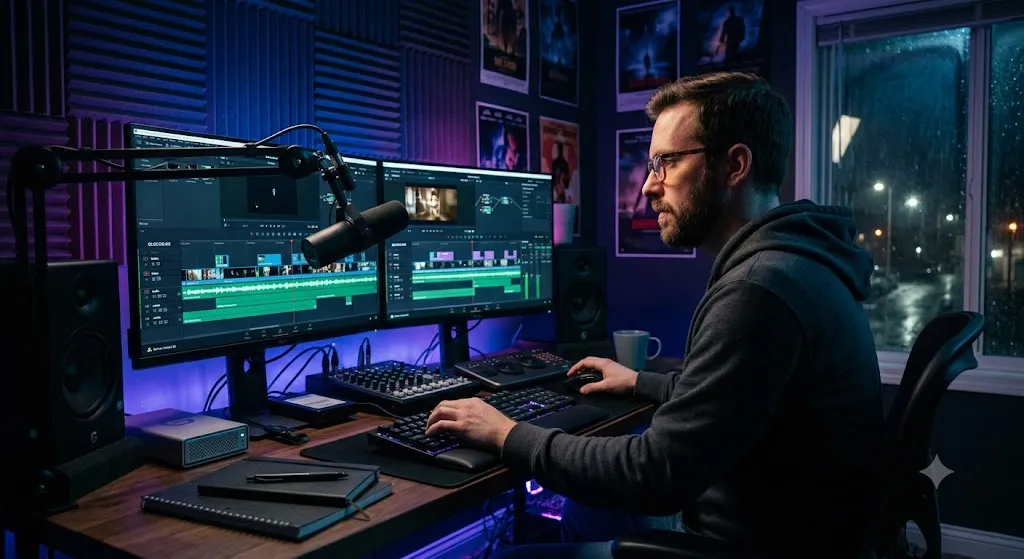
"The fastest way I know to create a J-Cut in Premiere Pro: put your clips on the timeline with normal hard cuts. Then enable the Timeline's 'Linked Selection' button (the chain icon) and press it to DISABLE linked selection. Now you can click and drag only the audio portion of any clip independently. Roll the audio edge of Clip B to the left until it starts before the video cut. Re-enable linked selection. Done in 10 seconds."
When to Use Each Technique
Use a J-Cut When...
- ✓ Transitioning between two scenes where the next scene has an important ambient sound
- ✓ Starting a scene dramatically with an off-screen sound
- ✓ Editing conversation scenes to hide awkward reaction shots
- ✓ Beginning a music-driven sequence by bringing in the music before the visual cut
Use an L-Cut When...
- ✓ Showing a reaction shot while keeping a speaker's voice continuous
- ✓ Transitioning from interview audio to B-roll footage
- ✓ Bridging two visually different environments with a continuous narrative thread
- ✓ Maintaining the ambience of a scene while cutting to a different angle

Advanced Applications in Documentary and Narrative Editing
At the most sophisticated level, J-Cuts and L-Cuts become tools for psychological manipulation. A J-Cut that begins with an unexpected, disturbing sound before cutting to its source creates dread. An L-Cut that keeps a character's heartbroken monologue playing over a subsequent scene of their empty apartment transforms the monologue from a scene into a visual poem.
In documentary editing, J-Cuts are essential for multi-interview films. When one interview subject makes a statement, a well-placed J-Cut brings in the ambient sound of a second subject's location before cutting to them. This creates a sense of dialogue between people who were never in the same room.
The J-Cut and L-Cut are also central to the Kuleshov Effect — the discovery that an audience will interpret an emotionally neutral face differently depending on what image follows or precedes it. By controlling when the audio transitions (separate from the visual), an editor can manipulate the emotional context of a neutral shot to generate any desired audience reaction.
"Once you start consciously using J-Cuts and L-Cuts, you cannot stop seeing them everywhere. Watch any film or TV show and pay attention to the audio at every cut. I would estimate that 70% of all cuts in professional narrative editing are some form of split edit. The hard cut is used sparingly, almost always for intentional emphasis. The invisible default is the split edit."
FAQ
What is the difference between a J-Cut and an L-Cut?
A J-Cut is when the audio from the NEXT scene starts before the visual cut. An L-Cut is when the audio from the CURRENT scene continues after the visual has already cut to the next scene. Together they are called split edits.
Why are they called J-Cuts and L-Cuts?
The names come from the shape of the clips on a traditional audio/video editing timeline viewed from above. In a J-Cut, the audio block extends to the left of the video block like the letter J. In an L-Cut, the audio block extends to the right like the letter L.
Do J-Cuts and L-Cuts work in CapCut or mobile editors?
Yes, but the workflow varies. In CapCut, you must detach audio from both clips and manually trim the audio tracks independently. Most professional mobile editors support split edits but require manual track management.
The cuts, on one page
Our printable Video Cuts & Transitions card covers the seven essential cuts, split edits, transition types and platform pacing.
Download the cuts cheat sheetWas this guide helpful?