Editors, be cold.
A map animation maker. And video editing, taught properly.
EditorVault is building a browser-based map animation maker for video — travel routes, country highlights, camera keyframes, 4K exports. Alongside it: twenty free guides covering timeline basics, colour correction, audio sync and export settings, written for Premiere Pro, DaVinci Resolve, Final Cut and CapCut.

In development
A map animation maker for video, built in the browser.
Draw a travel route and a marker flies it. Highlight countries, keyframe the camera, export up to 4K at 60fps — no install, no watermark. It is not public yet, and the product page says exactly what it will and will not do.
Map route animation
Draw a route, pick a plane, pin or navigation marker, and animate the camera along it.
Country and region highlights
Border glow, flag fill or marching ants, across six border eras from 1444 to 2024.
Export up to 4K at 60fps
720p, 1080p, 1440p or 4K at 24, 30 or 60fps. WebM, or MP4 where the browser supports it.
Start here
The three that matter first.
Timelines, cuts and framing. Everything else in the library assumes these three, so they are the ones to read in order.
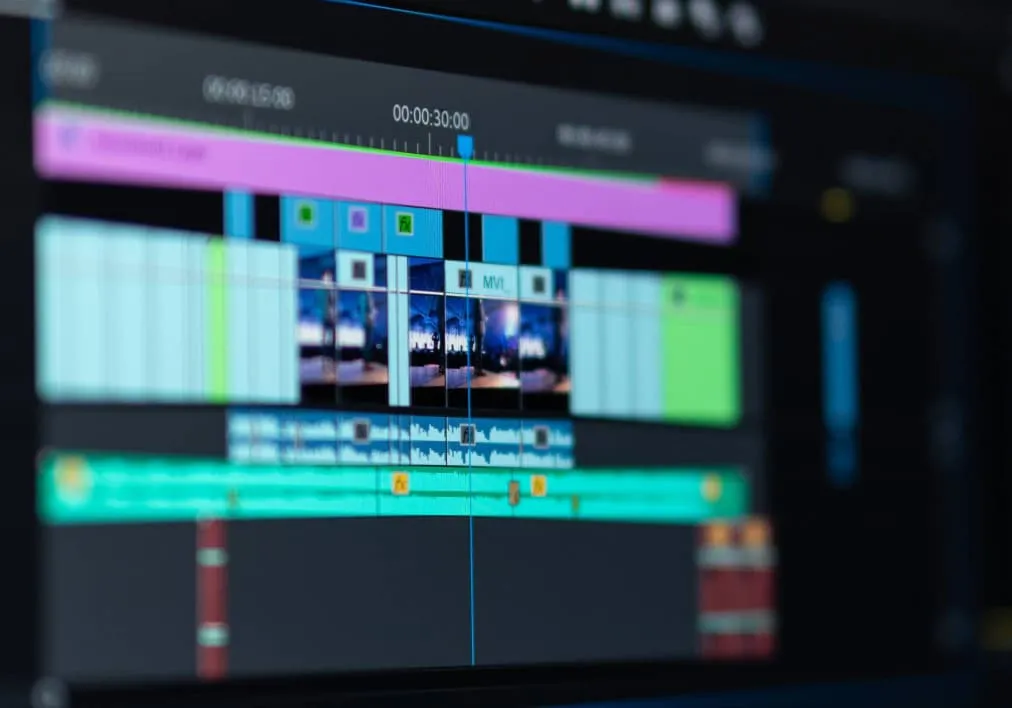
Video Timeline Basics
Learn how editing timelines actually work: tracks, trimming, splitting, ripple edits, roll edits, slip, slide, and timeline organization across Premiere Pro, DaVinci Resolve, and CapCut.
Read guide
Video Cuts & Transitions: The Complete Guide
Learn the 7 essential cuts, classic and modern transitions, platform-specific pacing rules, beat-sync editing, and practice drills for faster, cleaner edits.
Read guide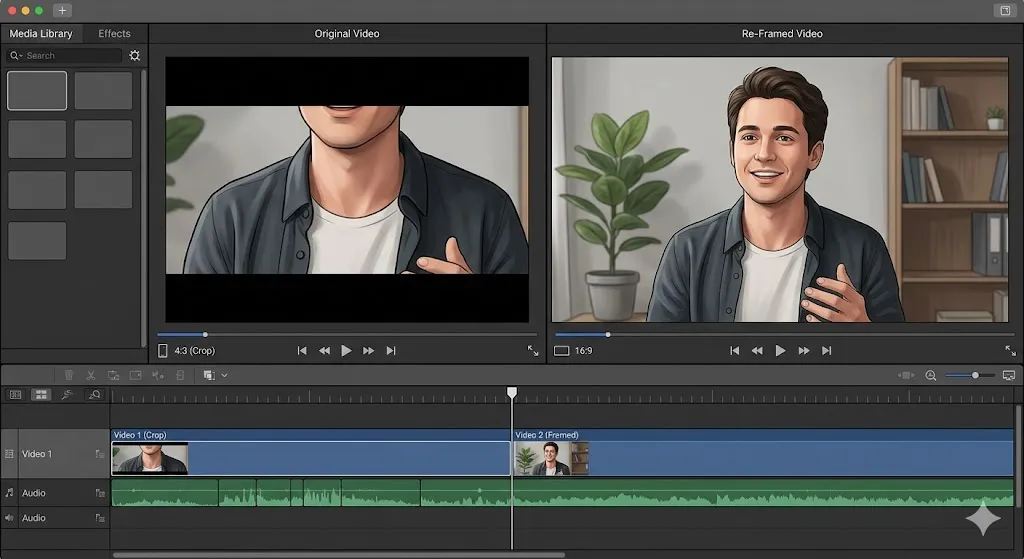
Video Aspect Ratio Guide: The Complete Guide for Every Platform
Master video aspect ratios for YouTube, TikTok, Instagram Reels, and every platform. Learn safe zones, composition, the master sequence system, and 4K cropping strategies.
Read guideFull library
All 20 editing guides.
Every core editing skill, from the absolute basics to proxy workflows and multi-camera sync.
Learn how editing timelines actually work: tracks, trimming, splitting, ripple edits, roll edits, slip, slide, and timeline organization across Premiere Pro, DaVinci Resolve, and CapCut.
Learn the 7 essential cuts, classic and modern transitions, platform-specific pacing rules, beat-sync editing, and practice drills for faster, cleaner edits.
Master video aspect ratios for YouTube, TikTok, Instagram Reels, and every platform. Learn safe zones, composition, the master sequence system, and 4K cropping strategies.
Master the process of syncing external audio with video footage using manual clapperboard methods, automated software tools, and timecode.
B-roll isn't an afterthought — it is the visual glue that holds your narrative together. Learn exactly what B-roll is, why you need it, and how to plan it.
The difference between taking 20 hours vs 4 hours to edit a video isn't talent — it's workflow. Master the exact professional 9-phase process from organization to export.
The biggest mistake new editors make is jumping to color grading without correcting first. Master the exact difference and workflow to transform your footage.
MP4 vs MOV? H.264 vs ProRes? This complete guide explains every video file format and codec so you always export the right file for the right platform.
Frame rate is not just a technical setting — it changes the emotional feel of your entire video. Learn which FPS to use for cinema, YouTube, sports, and slow motion.
Green screen fails before you even open the software — bad lighting, wrinkled screens, wrong distances. This guide covers the complete setup-to-composite workflow.
Stop using hard cuts that disrupt your video's flow. Learn how to use J-cuts and L-cuts to create smooth, professional dialogue scenes and seamless scene transitions.
While you're dragging to find 'Ripple Delete' in a menu, professionals have made five cuts with keyboard muscle memory. Master these shortcuts and double your editing speed.
Multi-cam editing transforms interviews and events from static single-angle footage into dynamic, engaging content. Here's the complete workflow from sync to final cut.
Your 4K timeline doesn't have to stutter. The proxy workflow is how Hollywood editors work on laptops — here's the complete setup guide for Premiere Pro and DaVinci Resolve.
You've perfected your edit — don't let the wrong export settings ruin it. Get the exact codec, bitrate, and format settings for YouTube, Instagram, TikTok, and broadcast.
That silky slow-motion ramp you love in sports and music videos isn't magic — it's technique. Learn the exact workflow for Premiere Pro, DaVinci Resolve, and CapCut.
Shaky footage is the #1 thing that makes videos look amateur. This complete guide covers every stabilization solution from gimbals and tripods to Warp Stabilizer and DaVinci Resolve.
Bad text ruins good videos. This complete guide covers every text element — from lower thirds and subtitles to kinetic typography — with the design principles that make them work.
If you could only learn two editing skills, make them trimming and splitting. This complete guide covers every trim type — from basic to ripple to roll — with the exact shortcuts that make you fast.
Cut through the marketing hype. Learn exactly what video resolution means, when to use 4K, and why a 1080p video can sometimes look better than 4K.
Pick a guide and start editing.
Everything here is free to read, with no account and no paywall. Twenty guides, in the order a working editor would teach them.