Free guides
Free video editing guides, from the ground up.
Focused guides covering timeline fundamentals, cut timing, colour and export settings — written for editors who want faster, cleaner workflows.
Category
Video Editing Fundamentals
20 of 20 published.
Video Timeline Basics
Learn how editing timelines actually work: tracks, trimming, splitting, ripple edits, roll edits, slip, slide, and timeline organization across Premiere Pro, DaVinci Resolve, and CapCut.

Video Cuts & Transitions: The Complete Guide
Learn the 7 essential cuts, classic and modern transitions, platform-specific pacing rules, beat-sync editing, and practice drills for faster, cleaner edits.
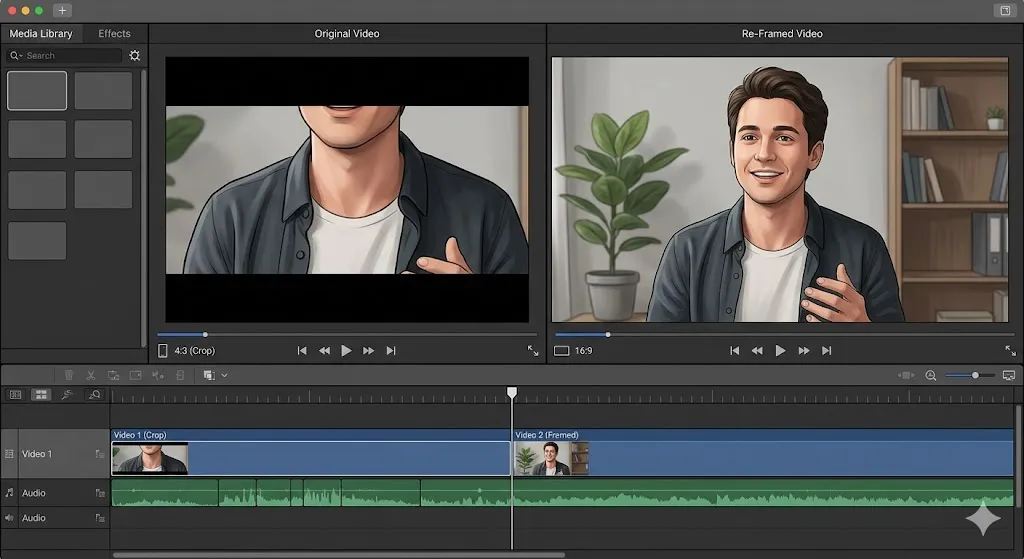
Video Aspect Ratio Guide: The Complete Guide for Every Platform
Master video aspect ratios for YouTube, TikTok, Instagram Reels, and every platform. Learn safe zones, composition, the master sequence system, and 4K cropping strategies.

How to Sync Audio and Video: A Complete Guide for Creators
Master the process of syncing external audio with video footage using manual clapperboard methods, automated software tools, and timecode.
What is B-Roll Footage? A Complete Guide for Video Editors
B-roll isn't an afterthought — it is the visual glue that holds your narrative together. Learn exactly what B-roll is, why you need it, and how to plan it.
The Ultimate Video Editing Workflow for Beginners (2026)
The difference between taking 20 hours vs 4 hours to edit a video isn't talent — it's workflow. Master the exact professional 9-phase process from organization to export.
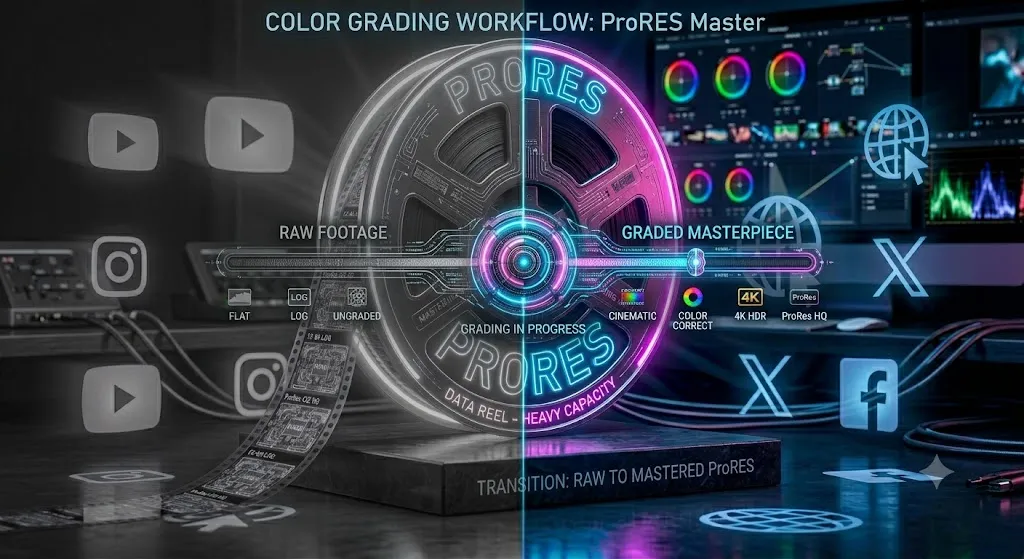
Color Correction vs Color Grading: The Ultimate Guide
The biggest mistake new editors make is jumping to color grading without correcting first. Master the exact difference and workflow to transform your footage.
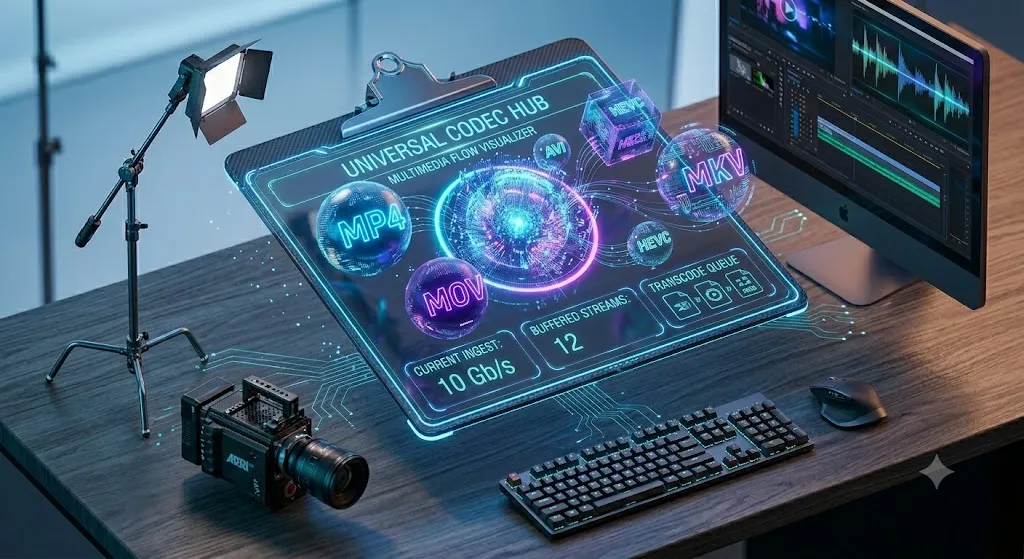
Video File Formats Explained: MP4, MOV, AVI, MKV & More
MP4 vs MOV? H.264 vs ProRes? This complete guide explains every video file format and codec so you always export the right file for the right platform.
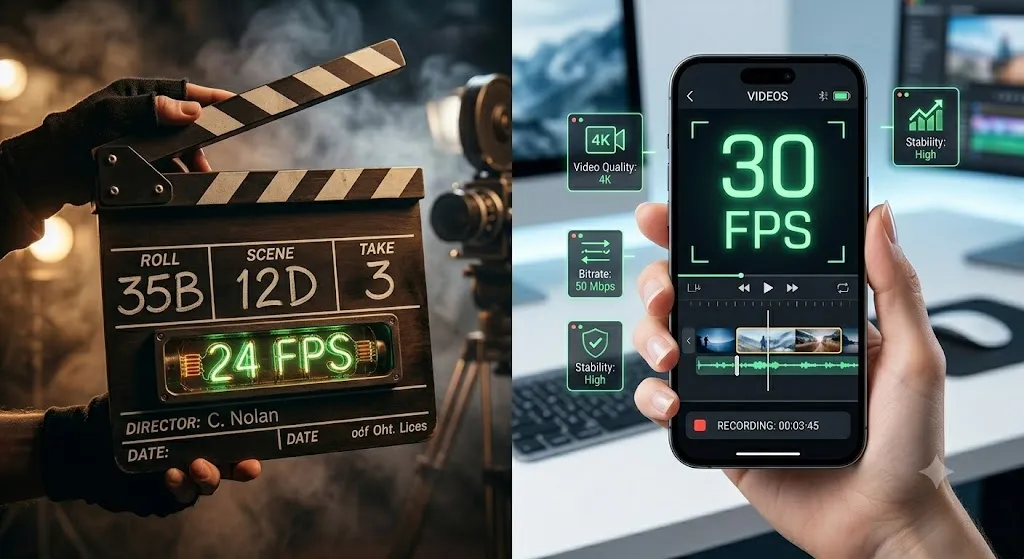
Video Frame Rate Explained: 24fps vs 30fps vs 60fps
Frame rate is not just a technical setting — it changes the emotional feel of your entire video. Learn which FPS to use for cinema, YouTube, sports, and slow motion.
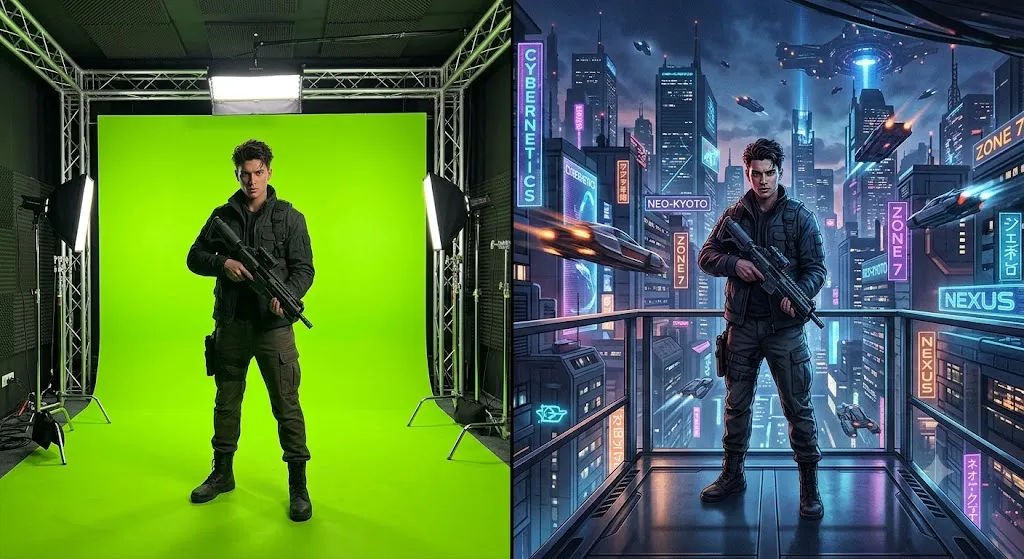
How to Use Green Screen in Video Editing
Green screen fails before you even open the software — bad lighting, wrinkled screens, wrong distances. This guide covers the complete setup-to-composite workflow.
J-Cuts and L-Cuts: The Secret to Professional Video Editing
Stop using hard cuts that disrupt your video's flow. Learn how to use J-cuts and L-cuts to create smooth, professional dialogue scenes and seamless scene transitions.
The Ultimate Keyboard Shortcuts Guide for Video Editors
While you're dragging to find 'Ripple Delete' in a menu, professionals have made five cuts with keyboard muscle memory. Master these shortcuts and double your editing speed.
Multi-Camera Editing Guide: Edit Multiple Cameras Like a Pro
Multi-cam editing transforms interviews and events from static single-angle footage into dynamic, engaging content. Here's the complete workflow from sync to final cut.
Proxy Workflow Explained: Edit 4K Footage Smoothly
Your 4K timeline doesn't have to stutter. The proxy workflow is how Hollywood editors work on laptops — here's the complete setup guide for Premiere Pro and DaVinci Resolve.

Rendering & Exporting Videos: Complete Settings Guide
You've perfected your edit — don't let the wrong export settings ruin it. Get the exact codec, bitrate, and format settings for YouTube, Instagram, TikTok, and broadcast.

Speed Ramp Effect Tutorial: Create Cinematic Speed Changes
That silky slow-motion ramp you love in sports and music videos isn't magic — it's technique. Learn the exact workflow for Premiere Pro, DaVinci Resolve, and CapCut.
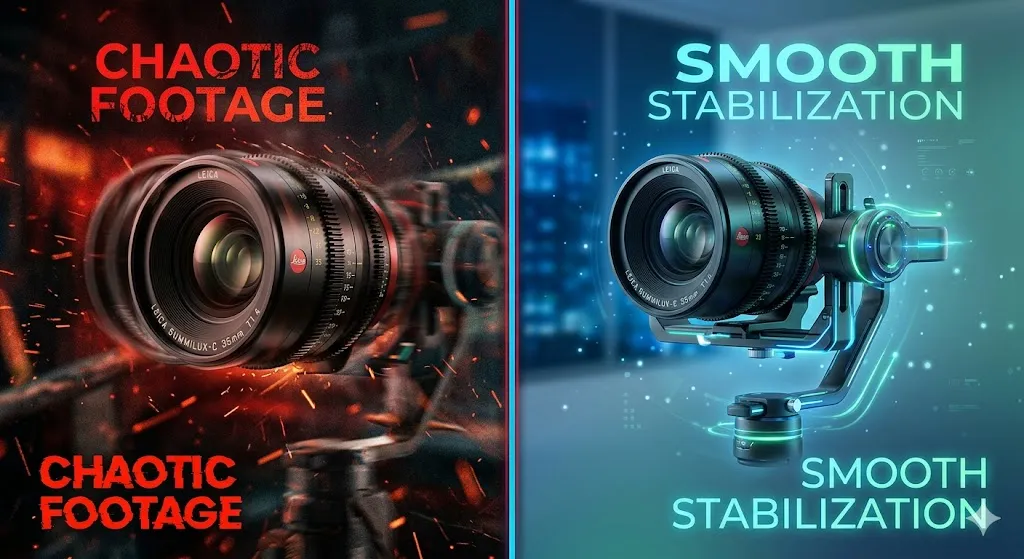
Video Stabilization Techniques: From Shaky Handheld to Silky Smooth
Shaky footage is the #1 thing that makes videos look amateur. This complete guide covers every stabilization solution from gimbals and tripods to Warp Stabilizer and DaVinci Resolve.

Text & Titles in Video: The Complete Design Guide
Bad text ruins good videos. This complete guide covers every text element — from lower thirds and subtitles to kinetic typography — with the design principles that make them work.
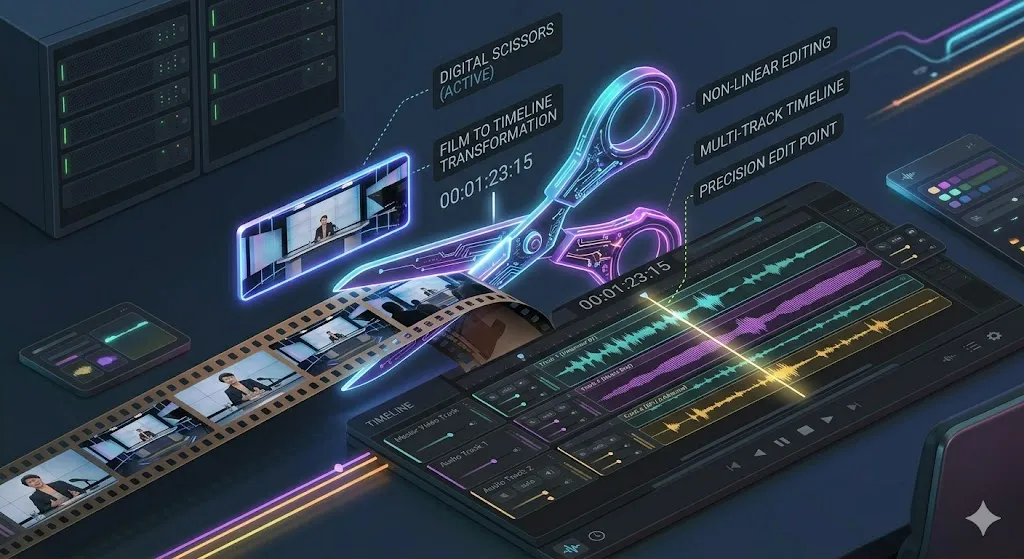
Trimming & Splitting Clips: The Core Skills Every Editor Must Master
If you could only learn two editing skills, make them trimming and splitting. This complete guide covers every trim type — from basic to ripple to roll — with the exact shortcuts that make you fast.
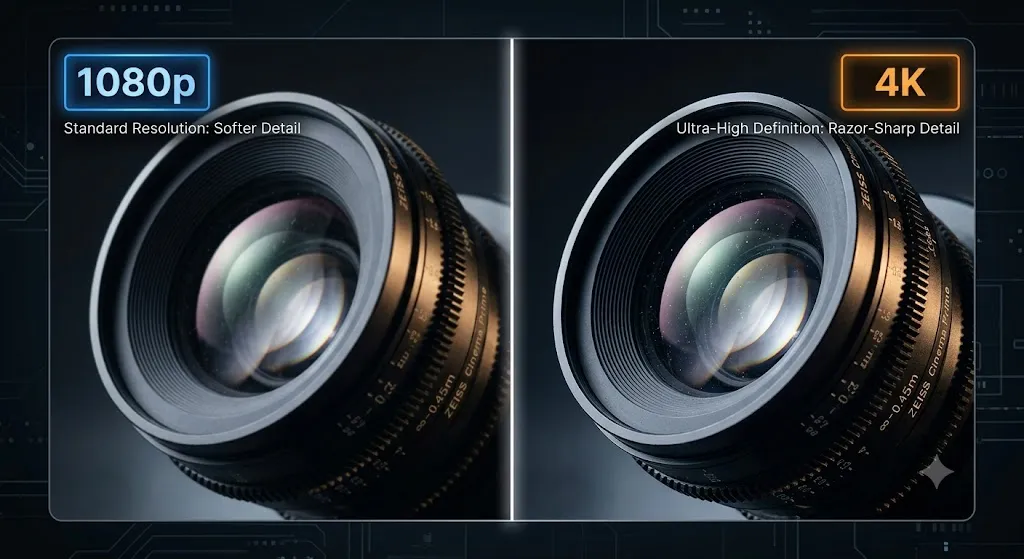
Video Resolution Guide: 1080p, 4K, 8K — What You Actually Need
Cut through the marketing hype. Learn exactly what video resolution means, when to use 4K, and why a 1080p video can sometimes look better than 4K.
Not sure where to begin?
Timeline basics covers the vocabulary the rest of the library assumes. Read that first, then keep the cheat sheets open beside your timeline.